Plugin setup
Plugin setup
Plugin setup takes about two minutes and covers the settings that matter most before you create pages: spintax, capitals, gradual publishing, AI and the sitemap. We have already filled in what we recommend.
When you see it
After you install SEO Generator, and after an update with important new settings, Plugin setup is at the top of the SEO Generator menu, and clicking SEO Generator opens it. Once you save or skip it, it disappears from the menu. You can always open it again with the Plugin setup button at the top of SEO Generator › Settings.
- New installation: the recommended settings are filled in.
- After an update: your current settings are filled in, so nothing changes unless you choose otherwise. Our advice is marked with (recommended).
1. Spintax
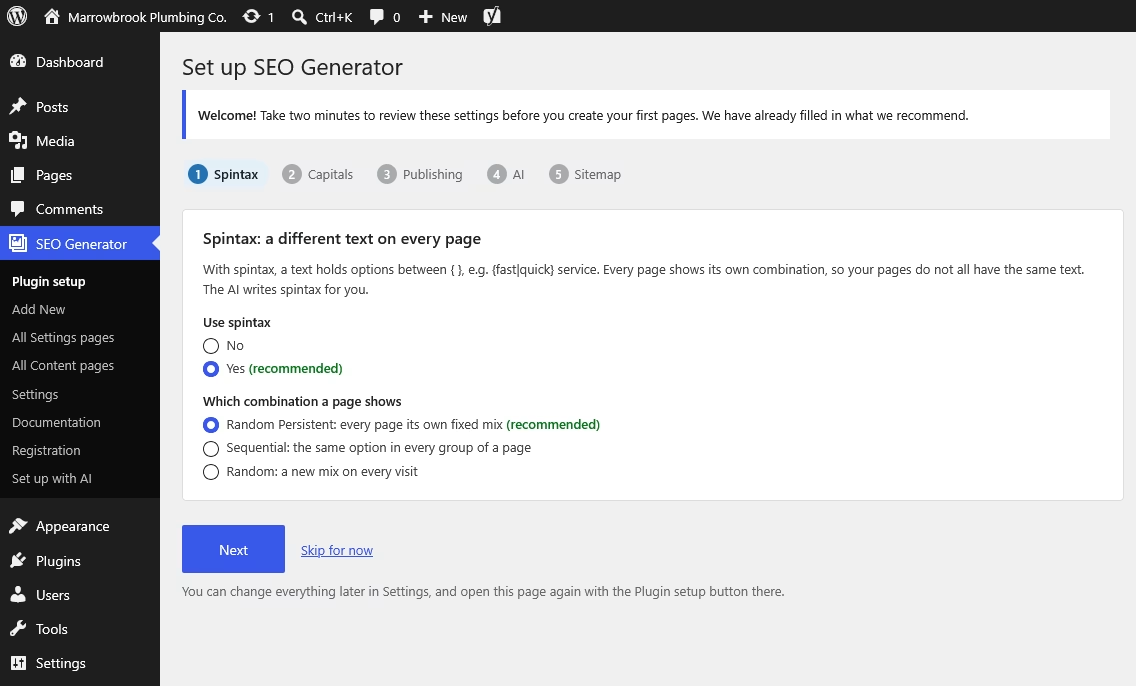
With spintax, a text holds options between { }, for example {fast|quick} service. Every page shows its own combination, so your pages do not all have the same text. The AI writes the spintax for you.
- Use spintax: we recommend Yes.
- Which combination a page shows: we recommend Random Persistent, which gives every page its own fixed mix. Sequential gives the pages their combination in page order, so only the first groups of your text change and the rest stays the same on most pages. Random shows a new mix on every visit, so search engines see a different text each time.
2. Capitals
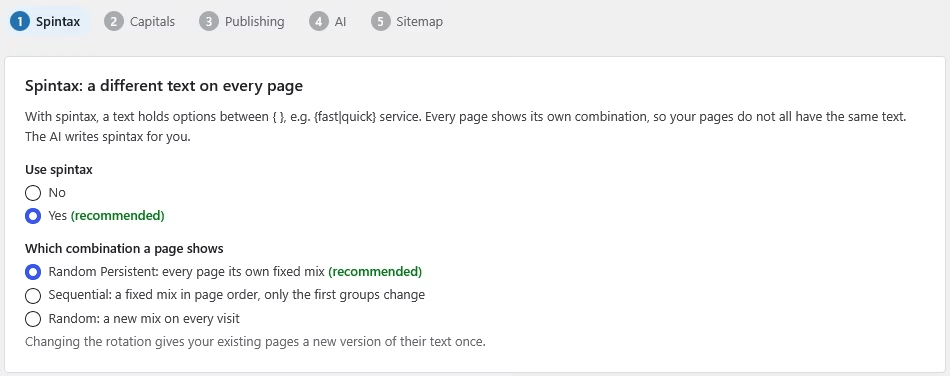
With case sensitive placeholders, the way you write the placeholder decides the capitals: [search_term] gives “plumber” in a sentence, [Search_term] gives “Plumber” at the start of a sentence or title. Without it, the text appears exactly as you entered it in the list.
Our advice: Yes for search terms, No for locations. Place names then keep their own capitals, like “Round Rock”, instead of “round rock” or “Round rock”.
3. Publishing
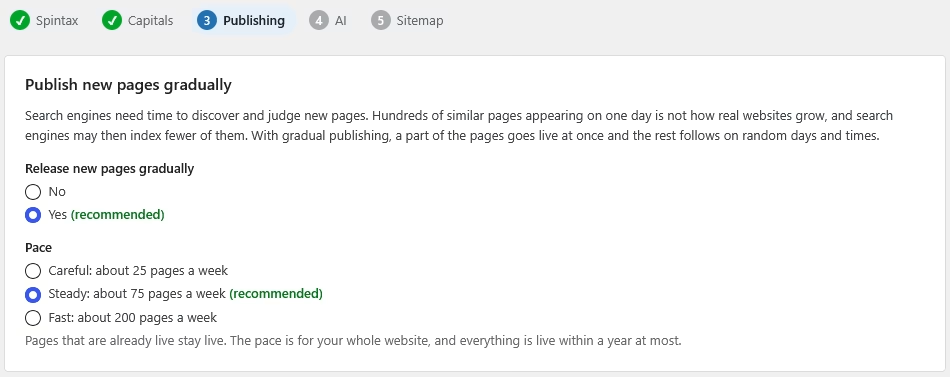
Search engines need time to discover and judge new pages. With gradual publishing, about 10 percent of the pages go live when you publish, and the rest follows on random days and times, mostly on weekdays during office hours.
- Release new pages gradually: we recommend Yes.
- Pace: Careful (about 25 pages a week, for new websites), Steady (about 75 pages a week, recommended for most websites) or Fast (about 200 pages a week, for established websites).
The pace is for your whole website, and everything is live within a year at most. Pages that are already live stay live.
4. AI
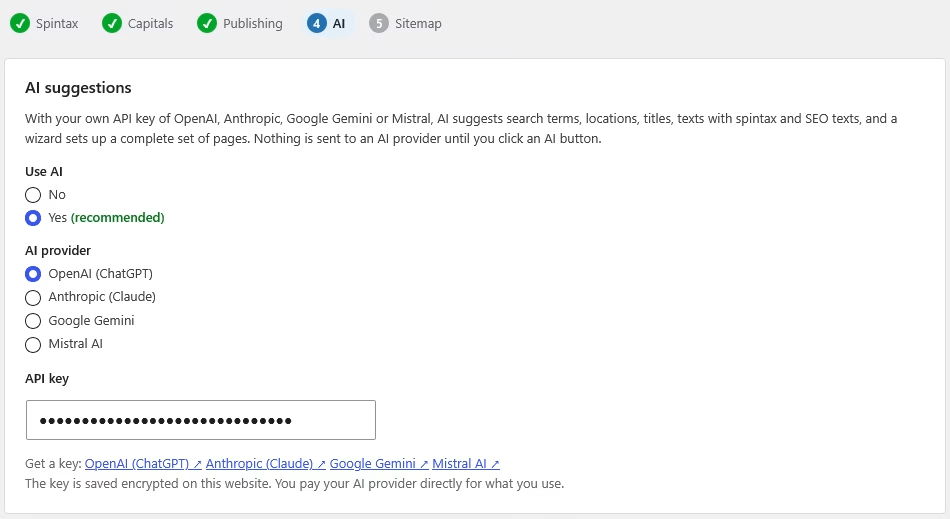
With your own API key of OpenAI, Anthropic, Google Gemini or Mistral, AI suggests search terms, locations, titles, texts with spintax and SEO texts, and a wizard sets up a complete set of pages. Nothing is sent to an AI provider until you click an AI button. This step is only shown in full to administrators.
- Choose Use AI: Yes, or No if you do not want to use AI.
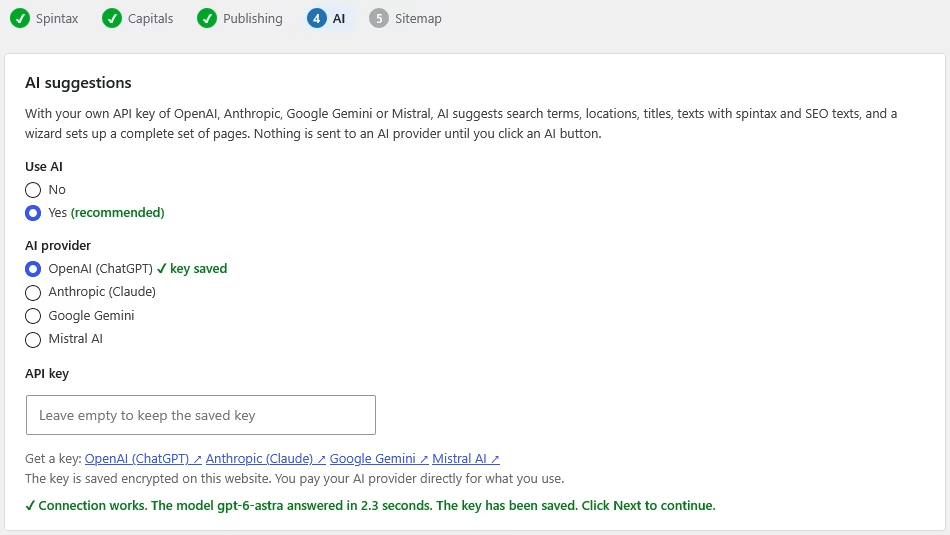
- Choose your AI provider and paste your API key. Each provider has a link to create a key.
- Click Next: the key is tested and, when it works, saved encrypted on your website. You see the result on the same step; click Next again to continue.
No key yet? Choose No for now, and add the key later on the AI tab of the settings. See Using AI in SEO Generator.
5. Sitemap
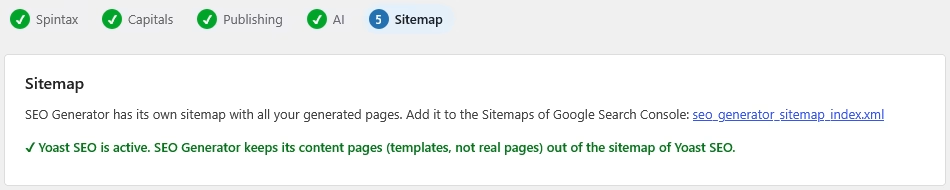
SEO Generator has its own sitemap with all your generated pages. Add it to the Sitemaps of Google Search Console. When you use a supported SEO plugin, SEO Generator keeps its content pages (templates, not real pages) out of the sitemap of that plugin.
Save or skip
Click Save and continue, or Skip for now to keep your current settings. Your choices are kept when you leave the page halfway, so you can continue later. You can change everything later in SEO Generator › Settings.
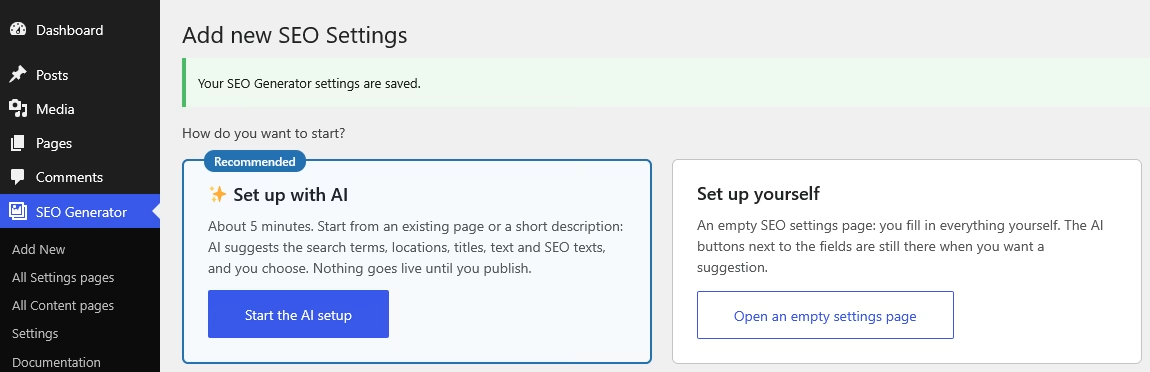
- With AI set up, you continue to “How do you want to start?”, where you can start the Set up with AI wizard.
- Without AI, on a new installation an example setup (hairdressers) is created, so you can see how a settings page and a content page work together.