
Using Bricks Builder with SEO Generator
Using Bricks Builder with SEO Generator
With Bricks you design the content page: the page that decides what all your generated pages look like. The search terms, locations and web addresses stay on the settings page. See SEO Generator: the basics.
1. Switch Bricks on for content pages
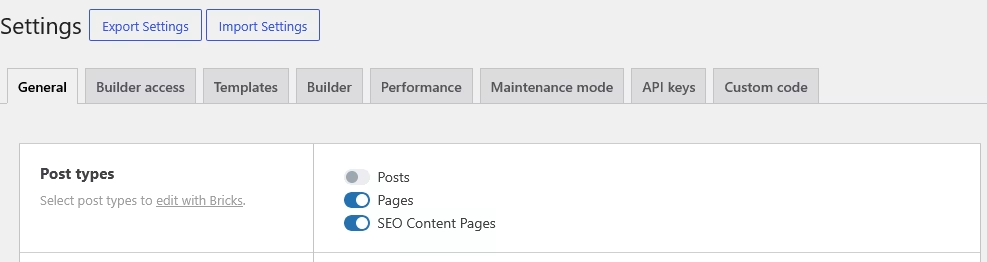
In the Bricks settings, enable Bricks for the post type SEO Content Pages.
2. Design the content page
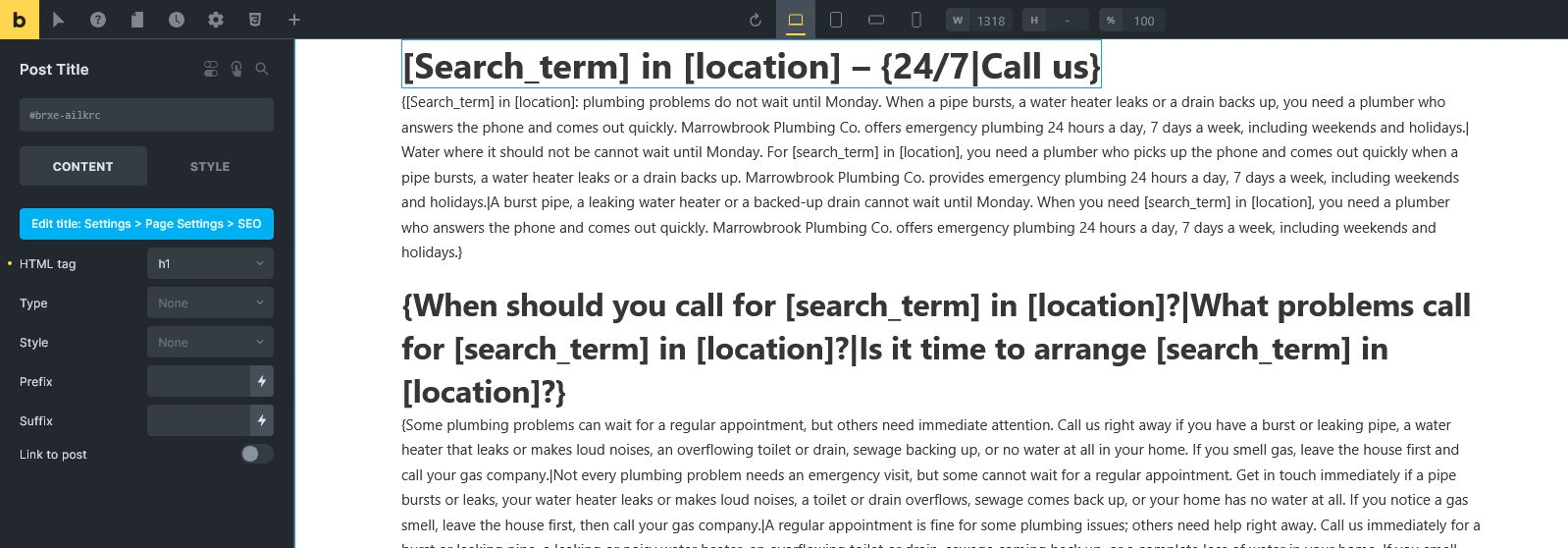
Open the content page under SEO Generator › All Content pages, keep the default template of your theme, and edit it with Bricks. Use [search_term] and [location] wherever they read naturally.
Good to know
- Bricks is partly compatible: some elements do not replace the placeholders. Check a generated page after designing.
- Two H1 titles? When your design has its own H1, switch on Disable template h1-page title under SEO Generator › Settings.
- Spintax Studio: the Studio can rewrite the text of a Bricks page, but cannot put it back into your elements. Copy the result into your elements yourself.